Content marketing is evolving fast — and AI tools are now essential for competitive teams. Here’s our curated list of the best AI tools across every content marketing function.
Best AI Writing Tools for Content
Jasper AI ($39/mo) — Brand voice consistency, 50+ templates, excellent team collaboration. Best for agencies and brands.
Writesonic ($49/mo) — SEO-first writing with unique GEO monitoring. Best for organic-focused teams.
Copy.ai ($29/mo) — Multi-model access, unlimited words, strong workflow automation. Best for GTM teams.
Best AI SEO Tools
Surfer SEO — Content optimization and keyword research. The gold standard for on-page SEO.
MarketMuse — Strategic content planning, calendars, and gap analysis.
Writesonic GEO — Track your brand’s visibility across AI platforms.
Best AI Video Tools for Content
Synthesia — AI avatar video creation. Used by 90% of Fortune 100 companies.
Descript — Convert podcasts and webinars into blog posts and social clips.
Best AI Design Tools
Canva AI — Magic Write plus design tools in one platform.
Midjourney — High-quality image generation for blog graphics and social media.
Best AI Analytics & Distribution
StoryChief — Content calendar plus multi-platform posting.
HubSpot — CRM-integrated content analytics and performance tracking.
How to Build Your AI Content Marketing Stack
Don’t try to do everything with one tool. Combine 2-3 specialized tools: one for writing (Jasper or Writesonic), one for SEO (Surfer), and one for distribution (StoryChief or HubSpot).
FAQ
What’s the best all-in-one AI tool for content marketing?
No single tool does everything well. Jasper + Surfer SEO is the most popular combination.
How much should I budget for AI content marketing tools?
$50-150/month for a solo marketer. $200-500/month for a team.
Can AI replace content marketers?
No. AI handles the heavy lifting of drafting and optimization. Humans provide strategy, creativity, and brand authenticity.
Which AI tool has the best ROI for content marketing?
Surfer SEO for optimization of existing content. Jasper for high-volume content creation.
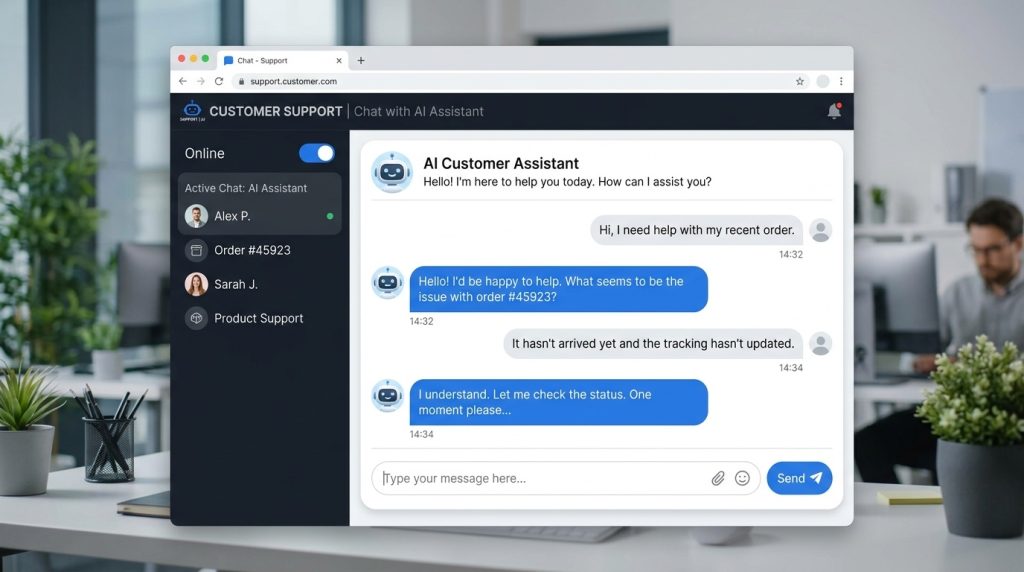
AI chatbots are transforming customer service. The best ones now resolve 60–80% of customer inquiries without human intervention, working 24/7 in dozens of languages. Here are the top AI chatbots for customer service in 2026, with honest pricing and use case recommendations.
Top 8 AI Customer Service Chatbots
Chatbot
Best For
Starting Price
Intercom Fin
SaaS & tech companies
$0.99/resolution
Zendesk AI
Mid to large enterprises
$55/agent/mo
Ada
E-commerce & retail
Custom
Drift
B2B sales & marketing
$2,500/mo
Tidio
Small businesses
$29/mo
HubSpot Chatbot
HubSpot CRM users
Free tier
Freshchat (Freddy AI)
Multi-channel support
$19/agent/mo
LivePerson
Enterprise messaging
Custom
1. Intercom Fin — Best Overall
Fin is built on GPT-4 and trained on your help center content. It resolves 50% of customer questions on average without escalation. Pricing is per-resolution ($0.99 each), which means you only pay for value delivered. Best for SaaS companies with comprehensive documentation.
2. Zendesk AI — Best for Enterprise
Zendesk’s Advanced AI suite adds intelligent routing, agent assist, and content cues to its established ticketing platform. It’s not the smartest chatbot on the market, but it integrates seamlessly with the most-used customer service platform in enterprise.
3. Ada — Best for E-commerce
Ada specializes in retail and e-commerce. It handles order tracking, returns, refunds, and product recommendations natively. Customers like Shopify, Square, and Indigo use Ada to automate 80% of their support volume during peak shopping seasons.
4. Drift — Best for B2B Sales
Drift is conversational marketing first, customer service second. Its chatbot qualifies leads, books meetings, and routes hot prospects to sales reps in real time. Best for B2B companies where chat is part of the revenue funnel.
5. Tidio — Best for Small Business
Tidio offers a free plan that handles 100 conversations per month — enough for many solopreneurs and small e-commerce stores. Paid plans start at $29/month with full AI features. The simplest setup of any tool on this list.
6. HubSpot Chatbot — Best Free Option
If you use HubSpot CRM, the chatbot is included free. It’s not as advanced as Intercom or Ada, but the integration with your contact database means every conversation feeds directly into sales pipelines automatically.
7. Freshchat (Freddy AI) — Best Multi-channel
Freddy AI handles conversations across web chat, WhatsApp, Facebook Messenger, Apple Business Chat, and SMS — all from one inbox. Great for global brands serving customers across many platforms.
8. LivePerson — Best for Enterprise Messaging
LivePerson powers messaging for HSBC, Burberry, Vodafone, and other major brands. It handles complex use cases like account changes, banking transactions, and insurance claims. Custom-priced and built for high-volume operations.
What Modern AI Chatbots Can Do
Answer product questions from your help center
Track orders and process returns
Schedule appointments and meetings
Reset passwords and unlock accounts
Translate conversations into 50+ languages in real time
Recognize customer sentiment and escalate angry users to humans
Hand off context to live agents seamlessly
Work across web, mobile, WhatsApp, Messenger, and SMS
Show genuine empathy in difficult situations (cancellations, complaints)
Make exceptions to policy that require human judgment
Understand sarcasm or unusual phrasing reliably
Replace humans for premium or high-touch customer relationships
How to Implement AI Chat Successfully
Audit your top 50 customer questions before you start. The chatbot needs to handle these flawlessly.
Connect it to your help center so it pulls answers from existing documentation.
Set clear escalation rules — when should it hand off to a human?
Track resolution rate weekly — aim for 50% in month 1, 70% by month 6.
Listen to human agent feedback — they see patterns the chatbot misses.
FAQ
How much does an AI chatbot cost?
Free for small business (HubSpot, Tidio free tier) up to enterprise contracts of $50,000+/year for LivePerson or Zendesk Suite. Most growing companies spend $200–$2,000/month.
Will AI chatbots replace customer service jobs?
They eliminate routine inquiries, but most successful implementations redeploy agents to handle complex cases, retention, and high-value customers — improving job quality rather than eliminating jobs.
How long does it take to set up an AI chatbot?
Simple deployments (Tidio, HubSpot) take a few hours. Mid-tier (Intercom Fin) takes 2–4 weeks. Enterprise (Zendesk AI, LivePerson) takes 2–6 months including training and integrations.
Which AI chatbot has the highest resolution rate?
Intercom Fin and Ada consistently report 60–70% autonomous resolution rates with mature deployments. Results depend heavily on the quality of your help documentation.
ChatGPT has moved from novelty to essential business tool. Companies that use it well save hundreds of hours per month on writing, research, and analysis. Here’s a practical guide to using ChatGPT for business in 2026 — including the use cases that actually move the needle.
10 Ways Businesses Use ChatGPT in 2026
Drafting marketing copy — emails, ads, landing pages, social posts
Customer support — generating responses, building chatbots, summarizing tickets
Sales prospecting — researching companies, drafting cold emails, qualifying leads
Content creation — blog posts, video scripts, podcast outlines
Data analysis — interpreting spreadsheets, generating SQL, creating charts
Internal documentation — SOPs, training materials, knowledge bases
Team and Enterprise plans include data privacy guarantees — your company’s prompts are not used to train OpenAI’s models. This is critical for any business handling client information, financial data, or trade secrets.
5 High-Impact Use Cases
1. Email Drafting and Inbox Triage
Forward an email to ChatGPT, ask for a reply in your tone, and refine in 30 seconds. Companies using ChatGPT for email report saving 5–8 hours per week per knowledge worker. Use the GPT-4 Turbo model for the best tone matching.
2. Sales Outreach at Scale
Feed ChatGPT a prospect’s LinkedIn profile and your value proposition. It generates a personalized cold email in seconds. Sales teams using this approach see 2–3x higher response rates than generic templates.
3. Customer Support Automation
Build a custom GPT trained on your product documentation. It can answer 60–70% of customer questions automatically, escalating only complex issues to human agents. Companies like Klarna report handling 2.3 million support conversations with AI in their first month.
4. Content Marketing
Use ChatGPT to research topics, generate outlines, draft sections, and optimize for SEO. Teams that combine ChatGPT with human editing produce 5–10x more content at the same quality level.
5. Data Analysis with Code Interpreter
Upload a CSV to ChatGPT (Plus or higher) and ask questions in plain English. It writes Python code, runs the analysis, and returns charts. Non-technical employees can now do work that previously required a data analyst.
Building Custom GPTs
The custom GPT feature (available on Plus, Team, and Enterprise) lets you create specialized assistants for your business. Examples:
Brand Voice GPT — trained on your past content, produces copy in your exact tone
HR Assistant GPT — answers employee questions about policies and benefits
Code Reviewer GPT — checks pull requests against your team’s standards
Common Mistakes to Avoid
Pasting confidential data on the free plan. Your prompts may be used for training. Use Team or Enterprise.
Trusting outputs without verification. ChatGPT confidently makes things up — always fact-check.
Skipping the system prompt. A clear role and tone instruction dramatically improves output quality.
Using it for everything. ChatGPT is great for drafts but weak at original thinking and judgment calls.
Not training your team. Productivity gains depend on prompt quality. Run a 1-hour internal workshop.
Measuring ROI
Track time saved per task category. A typical knowledge worker on ChatGPT Team ($25/month) saves 5–10 hours per month on writing alone. At $50/hour fully loaded cost, that’s $250–500/month in productivity gains — a 10–20x return.
FAQ
Is ChatGPT safe for business use?
Yes, on Team and Enterprise plans where OpenAI guarantees that prompts are not used for training and data is encrypted. Avoid pasting sensitive data into the free or Plus plans.
Will ChatGPT replace employees?
It augments rather than replaces. Routine writing, research, and data tasks become faster, freeing employees for strategic work. Companies using ChatGPT well are typically growing — not cutting headcount.
How do I train my team to use ChatGPT effectively?
Start with 5 high-value use cases specific to your business. Provide prompt templates. Set up a shared library of effective prompts. Most teams see significant gains within 2 weeks.
What’s the difference between ChatGPT and a custom GPT?
ChatGPT is the general-purpose chatbot. A custom GPT is a specialized version with your own instructions, files, and knowledge — better for repeatable business tasks.
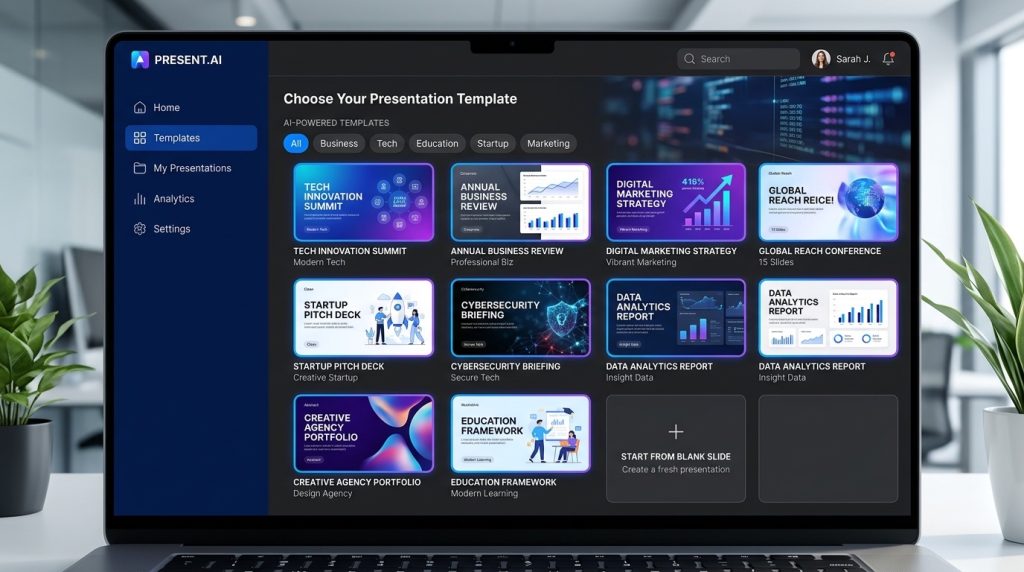
Building a great presentation takes hours — but AI can do it in minutes. The latest AI presentation makers create entire slide decks from a single prompt, complete with visuals, layouts, and speaker notes. Here are the 8 best AI presentation tools in 2026.
Top 8 AI Presentation Makers
Tool
Best For
Free Plan
Paid From
Gamma
Beautiful design, fast generation
Yes (400 credits)
$10/mo
Tome
Storytelling decks
Yes
$16/mo
Beautiful.ai
Brand consistency
14-day trial
$12/mo
Canva Magic Design
All-in-one creators
Yes
$15/mo
SlidesAI
Google Slides users
Yes (3 decks)
$10/mo
Decktopus
Sales pitches
Limited
$10/mo
Plus AI
Google Slides + edits
7-day trial
$15/mo
Presentations.AI
Enterprise teams
Yes
$12/mo
1. Gamma — Best Overall
Gamma is the runaway leader in AI presentations for 2026. Type a prompt or paste an outline, and Gamma generates a polished deck with images, charts, and layout variations within 30 seconds. The free plan is generous, and the AI auto-fits content to slides without overflow — a problem most other tools still struggle with.
2. Tome — Best for Storytelling
Tome focuses on narrative-driven presentations. Its AI doesn’t just create slides — it builds a story arc with logical flow. Great for keynote-style talks, pitch decks, and educational content. Tome integrates with Figma and includes built-in image generation via DALL-E.
3. Beautiful.ai — Best for Brand Consistency
Beautiful.ai uses smart templates that automatically maintain alignment, spacing, and color harmony as you edit. The AI Designer suggests layout improvements in real time. It’s the best choice for teams that need every deck to match brand guidelines without manual formatting.
4. Canva Magic Design
If you already use Canva for graphics, Magic Design adds AI presentation generation to your existing workflow. It’s not the most sophisticated option, but it’s deeply integrated with Canva’s massive template and stock photo library. Best for content creators and marketers who need versatility beyond presentations.
5. SlidesAI — Best Google Slides Add-on
SlidesAI works as a Google Slides extension. Paste your text, choose a style, and SlidesAI generates a complete deck inside Google Slides — no exporting required. Perfect for teams locked into Google Workspace. The free plan covers 3 presentations per month.
6. Decktopus — Best for Sales Pitches
Decktopus specializes in sales and business presentations. Its AI asks targeted questions about your audience, goal, and tone, then builds a deck optimized for persuasion. Includes built-in form integration for lead capture during live presentations.
7. Plus AI for Google Slides
Plus AI brings ChatGPT-quality content generation directly into Google Slides. Unlike SlidesAI, Plus AI also lets you regenerate individual slides, edit text inline with AI, and translate decks into multiple languages. Excellent for international teams.
8. Presentations.AI — Best for Enterprise
Presentations.AI is built for teams. It includes brand kits, collaboration features, version history, and analytics that show which slides viewers spend the most time on. The enterprise plan includes SSO, custom integrations, and dedicated support.
How to Choose
Need beautiful decks fast? Use Gamma — best free tier and quality combo.
Already in Google Slides? Use SlidesAI or Plus AI for native integration.
Selling something? Decktopus is built specifically for pitches.
Story-driven content? Tome creates narrative arcs other tools miss.
What AI Presentation Makers Cannot Do (Yet)
AI tools generate great first drafts, but they still struggle with: complex data visualizations, proprietary product screenshots, industry-specific terminology, and animations beyond basic transitions. Plan to spend 15–20 minutes editing the AI’s output for any high-stakes presentation.
FAQ
Are AI presentation makers free?
Most have free tiers (Gamma, Tome, SlidesAI, Canva). Free plans typically limit you to 3–5 decks per month or restrict export formats. Paid plans start around $10/month.
Can AI make presentations as good as a designer?
For standard business decks, yes — Gamma and Beautiful.ai produce results comparable to mid-level designers. For highly branded or creative projects, you’ll still want human design expertise.
Which AI presentation tool has the best free plan?
Gamma offers 400 credits free (enough for 5–10 full decks). Canva Magic Design is also free but limited to basic templates. SlidesAI gives 3 free presentations per month inside Google Slides.
Can I export AI-generated decks to PowerPoint?
Yes — Gamma, Beautiful.ai, Tome, and Decktopus all support PPTX export. SlidesAI and Plus AI work natively in Google Slides which can also export to PPTX.
Paid AI tools get the headlines, but most of what everyday users need is available for free. ChatGPT, Gemini, Claude, and Microsoft Copilot all have capable free tiers, and there are dozens of purpose-built free tools for writing, images, code, and video. Here are 25 AI tools that cost nothing in 2026 — no trial expiration, no credit card, no hidden paywalls.
Best Free AI Chatbots
1. ChatGPT (Free Tier)
GPT-4o mini, image analysis, web browsing, and limited DALL-E 3 image generation. More than enough for casual users.
2. Claude (Free Tier)
Daily access to Claude Sonnet with a generous message allowance. Arguably the best free chatbot for writing quality.
3. Google Gemini (Free)
Gemini 2.5 Flash with web search, image analysis, and direct Gmail/Docs integration. Excellent for anyone in the Google ecosystem.
4. Microsoft Copilot (Free)
GPT-4 powered, built into Bing and Edge. Includes image generation via DALL-E 3. Works on desktop, mobile, and as a Chrome extension.
5. Meta AI
Built into WhatsApp, Instagram, Messenger, and Meta.ai. Llama 4-based, unlimited conversations, integrated image generation.
Best Free AI Image Generators
6. Bing Image Creator
Free DALL-E 3 image generation, 25 fast credits per day. The best free image quality you can get without setup.
7. Google ImageFX
Free Imagen 3 generation at labs.google/fx. Beautiful photorealistic output with a clean interface.
8. Leonardo AI
150 free credits per day. Fine-tuned Stable Diffusion models optimized for art, game assets, and product photos.
9. Playground AI
Unlimited free generations with its own proprietary model, plus access to Stable Diffusion XL.
10. Krea AI
Real-time generation with immediate feedback loop. Free tier generous enough for experimentation.
Best Free AI Writing Tools
11. ChatGPT (for writing)
Free GPT-4o mini handles most writing tasks well.
12. Quillbot
Free paraphrasing, grammar checker, and summarizer. Chrome extension available.
13. Rytr (Free Plan)
10,000 characters per month free. Good for quick blog intros, email copy, and ad variations.
14. Hemingway Editor
Not AI, but pairs perfectly with AI writing tools. Free web version.
15. Grammarly (Free)
Grammar, spelling, and basic style suggestions. The free tier catches most writing mistakes.
Best Free AI Coding Tools
16. GitHub Copilot (Free for Students)
Free for verified students and open-source maintainers. Integrates with VS Code, JetBrains, and more.
17. Cursor (Free Tier)
AI-powered code editor with a generous free tier. Built on VS Code with deep AI integration.
18. Cody by Sourcegraph
Free code search and AI assistant that understands your entire repo.
19. Tabnine (Free)
Local code completion with no data leaving your machine. Great for privacy-conscious developers.
20. Codeium
Completely free code completion across 70+ languages and 40+ editors.
Best Free AI Video & Audio Tools
21. Runway (Free Tier)
125 free credits to experiment with text-to-video, video editing, and AI effects.
22. ElevenLabs (Free)
10,000 characters per month free voice generation with access to the full voice library.
23. CapCut (Free)
Full AI video editor with auto-caption, background removal, and AI effects. Completely free.
24. Descript (Free)
Free tier includes 1 hour of transcription per month and basic Overdub voice cloning.
25. Suno AI (Free Tier)
Generate full songs from text prompts. Free tier gives you 50 songs per day.
How to Use These Tools Together
The real power isn’t any single free tool — it’s combining them. A typical free workflow:
Brainstorm with ChatGPT or Claude (free tier).
Write with Gemini or ChatGPT, polish with Quillbot.
Generate hero image with Bing Image Creator.
Create voiceover with ElevenLabs free tier.
Edit the video in CapCut.
That’s a complete content workflow for $0 per month.
FAQ
Are free AI tools any good?
Yes. The free tiers of ChatGPT, Claude, and Gemini are better than paid AI tools from just 18 months ago. For casual use, most people don’t need a paid plan.
Which is the best free AI chatbot?
For writing and reasoning, Claude’s free tier is hard to beat. For multimodal (images, voice, web search), ChatGPT free or Gemini free are better choices.
Can I use free AI tools commercially?
Most allow commercial use, but check each tool’s terms. Some free tiers (Bing Image Creator, Leonardo, Playground AI) explicitly include commercial rights.
Do free AI tools have usage limits?
Almost all do. Free tiers typically cap daily or monthly messages, credits, or generations. Heavy users often combine multiple free tools to stay under each individual limit.